We could have told you we build Android apps. Instead, we shipped one.
Kudenia is an offline-first vocabulary app for people learning English. We designed it, wrote it in Kotlin, and took it through Google Play ourselves. It is live in 177 countries and regions — you can install it before you finish reading this page.
See the live app on Google Play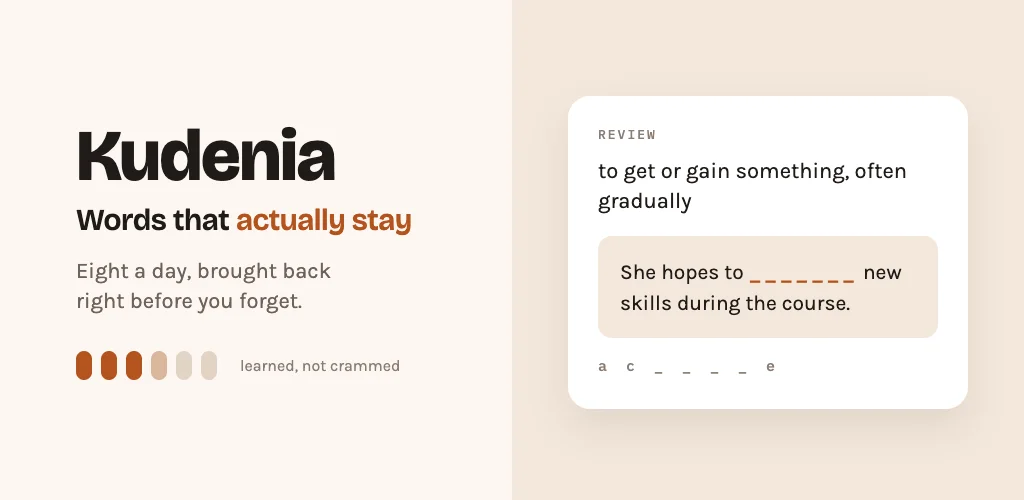
A portfolio you can install.
Any studio can put a phone mockup on a slide. We wanted something a client could install on the way to the meeting.
So we picked the version of the job with nowhere to hide: fully offline. No account, no server, no analytics. Nothing to defer to a backend, nothing to quietly fix after launch. If it works, it works on the device — and every decision about how it behaves had to be made in the app and defended there.
Built like a product, not a demo.
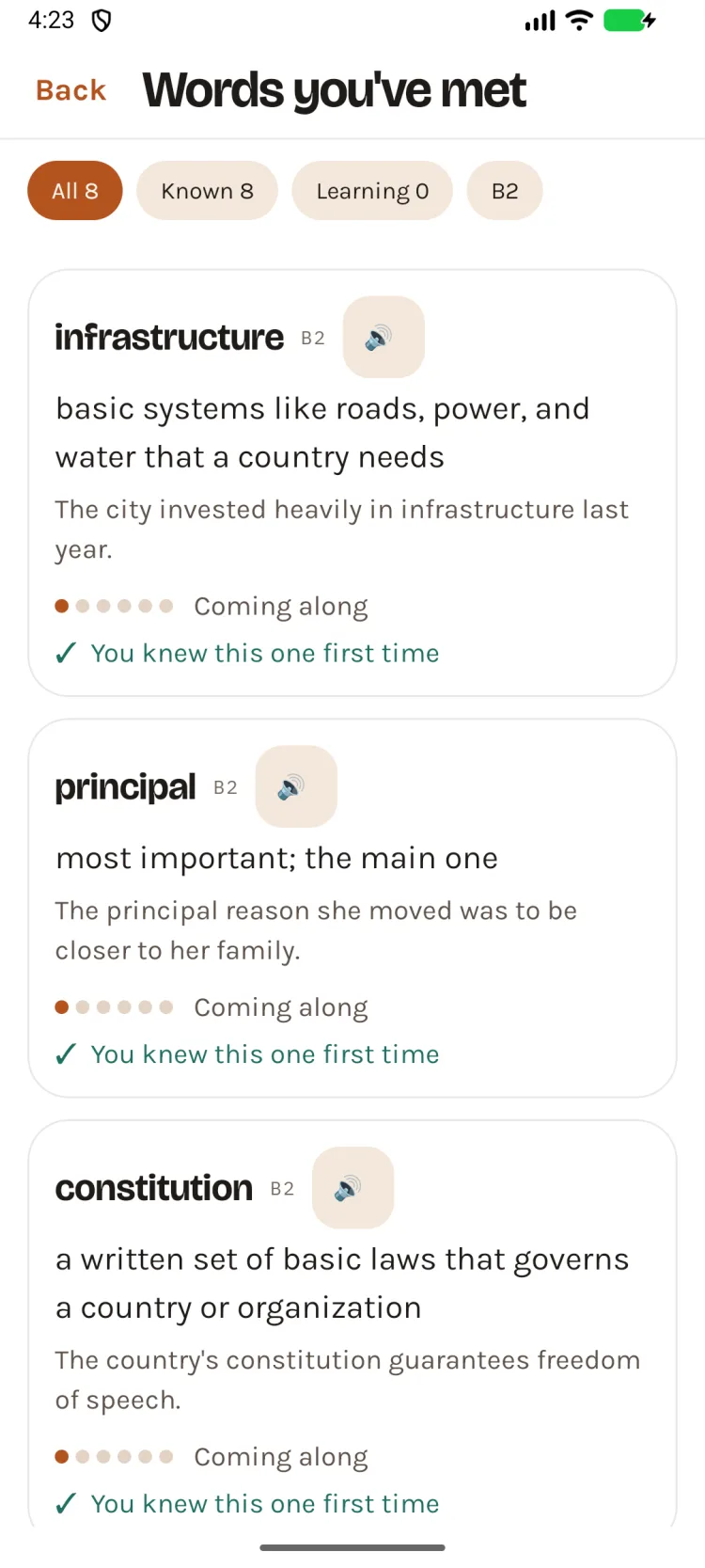
Kudenia teaches English vocabulary eight words at a time, in sessions of about three minutes. It ships with 1,836 words spanning A1 to C2 — each with a definition, an example sentence and pronunciation that still works in airplane mode.
Underneath: native Kotlin, a Jetpack Compose interface, and six Gradle modules so the learning engine can be tested without an emulator. 724 automated tests cover it — 551 on every push, and the 173 that need real hardware every night. Free, in the Education category, with all ten of Google's content declarations answered in-house.
Three decisions we had to defend.
-
01
Recognition once. Recall after that.
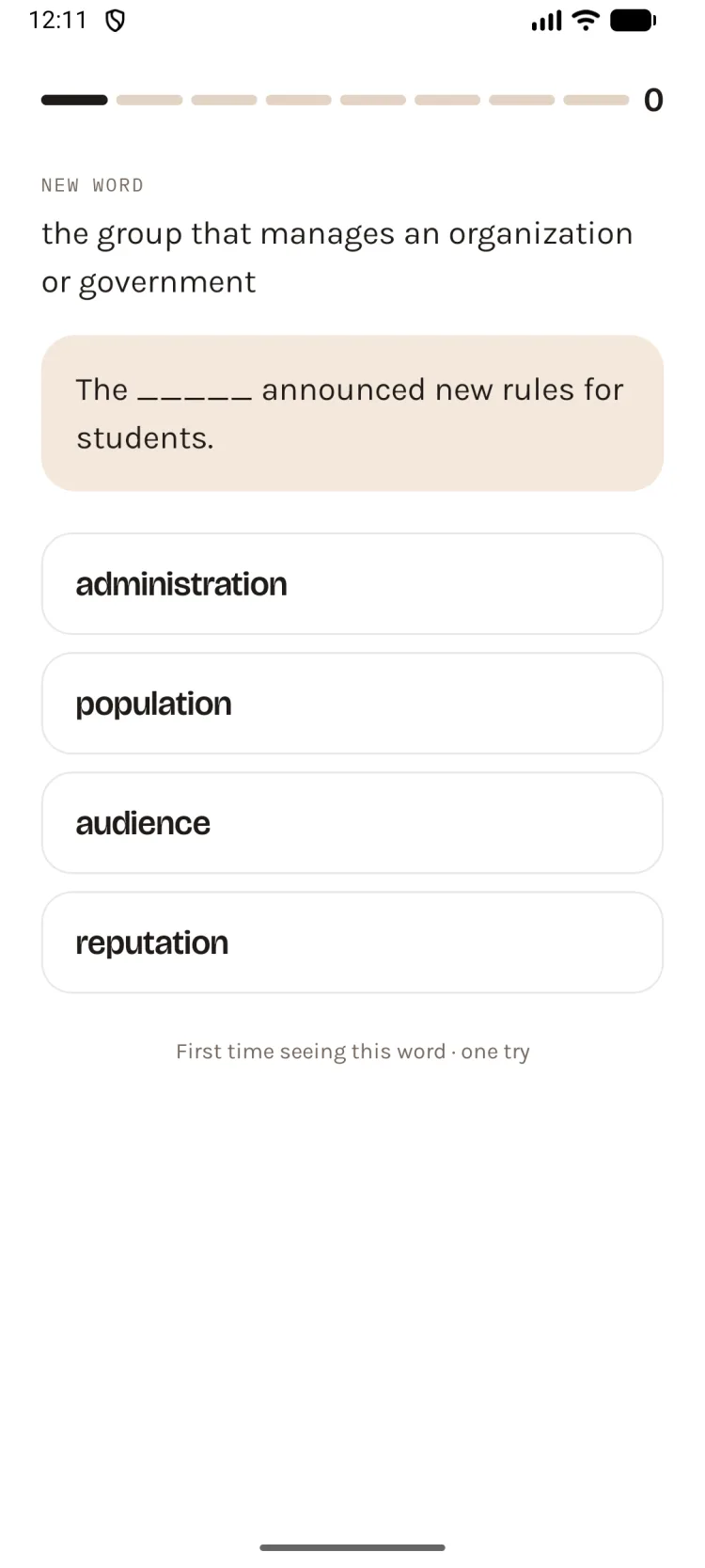
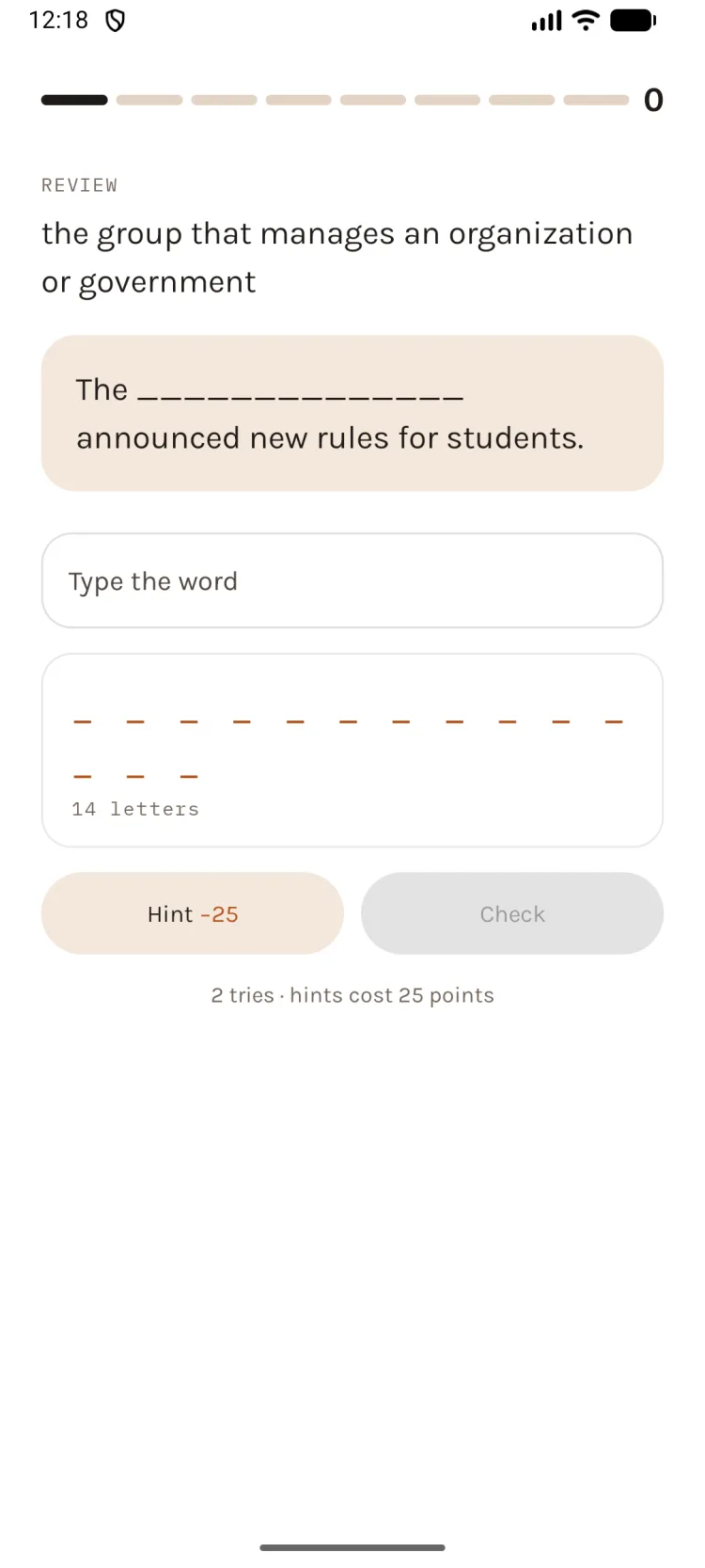
The first time you meet a word, it is multiple choice. Every time after that you type it yourself, from a definition and a sentence with the word cut out. Recognising a word is not knowing it, and the app refuses to pretend otherwise.
-
02
It speaks with the network off.
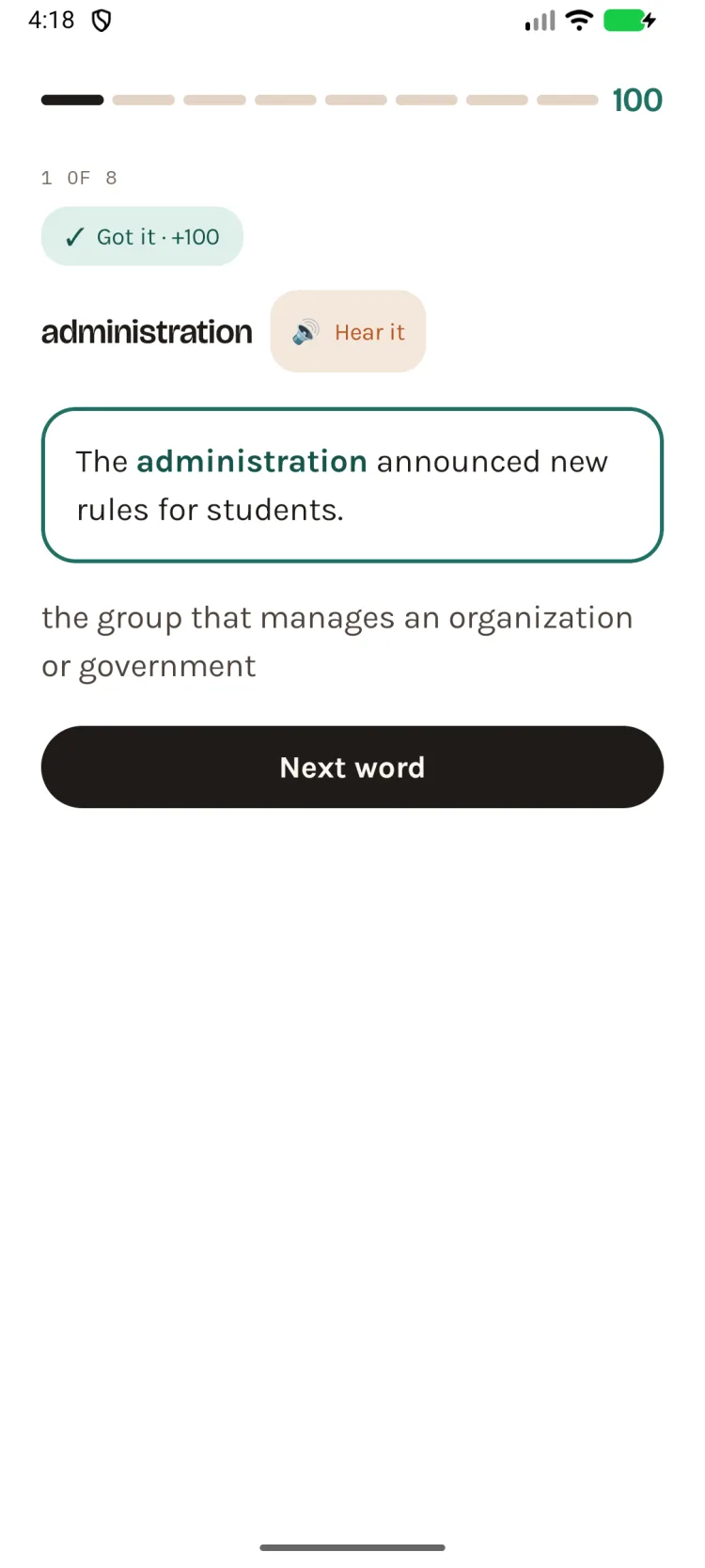
Tap the word on the reveal card and it is spoken in a US or UK accent, generated on the device itself. No network call. No per-play cost. It works on a plane.
-
03
"Learned" has to mean something.
A word counts as learned only after six correct unaided recalls in a row — the last two separated by three weeks and two months. It is a slower number than other apps report. It is also one we can defend.
Three things we would tell a client on day one.
-
01Shipping is mostly paperworkThe build was the shorter half. Ten content declarations, an IARC rating, a data-safety form and a privacy policy stand between a finished app and a published one.
-
02Name it for the lawyer, not the search engineOur first name described exactly what the app did. It was also already in use as another app's subtitle. A coined name is harder to search for and far harder to lose.
-
03Approved is not publishedWith managed publishing on, Google approving a release changes nothing until someone presses a button. Ours sat approved and invisible overnight. Twice.